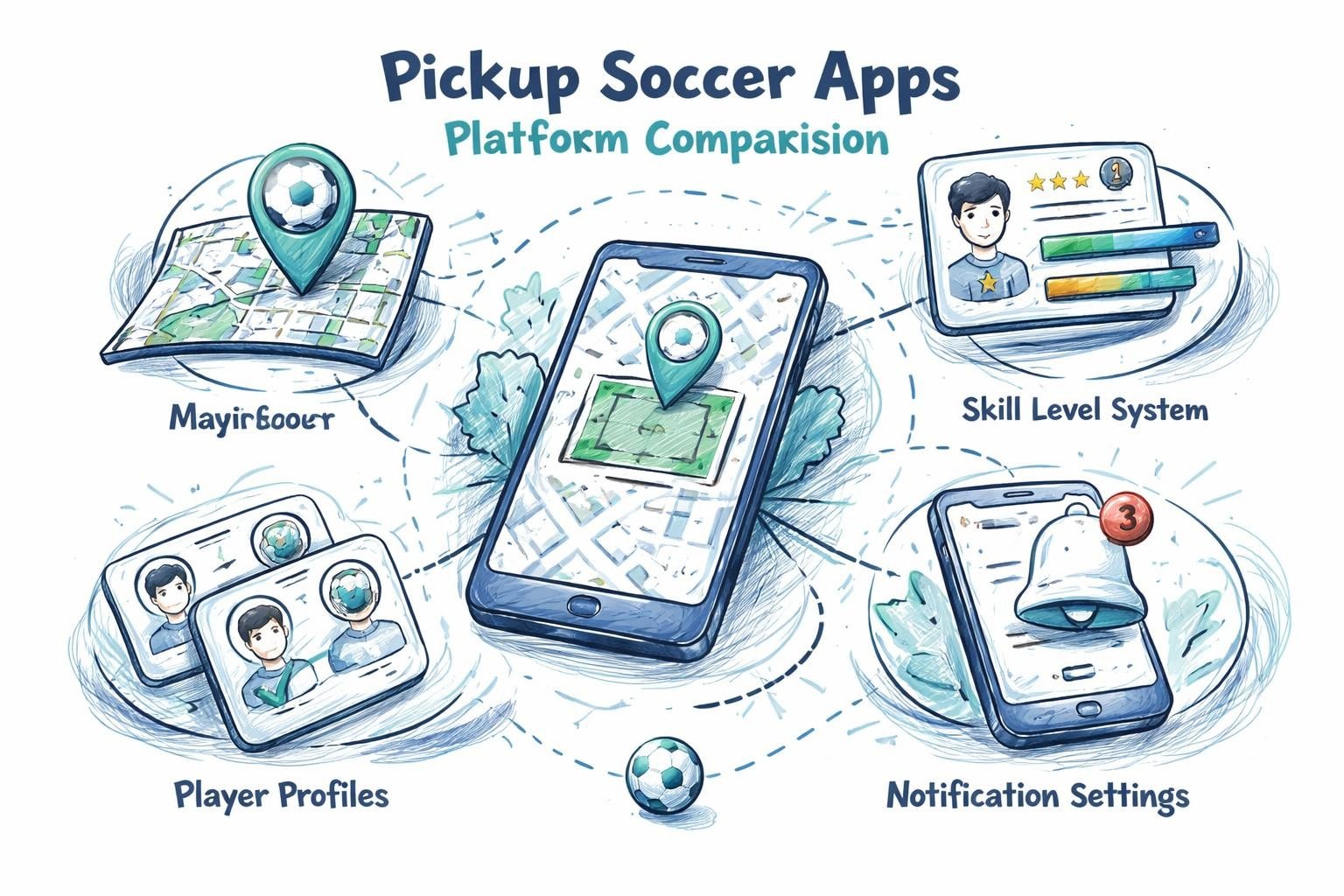
Download Poteau
Pickup App Guide: Your Essential 2025 User Handbook
Ever missed out on a killer match because you didn’t know where the action was? You’re not alone. Finding the right pickup app can flip the script, helping you join the best games and connect with players who match your vibe.
This guide is your shortcut to smarter games in 2025. No more endless group texts or last-minute no-shows. We’ll break down the must-have features, show you how to set up in minutes, and share tips to help you stand out—on and off the field.
Want to run your own games, earn some side cash, or just find a solid crew to play with? We’ve got the playbook. Get ready for real advice, built for real players.
Understanding Pickup Apps in 2025
Ever show up to a field and find no one there, or wish you could find a game across town without endless group chats? That’s where a pickup app steps in. These platforms are changing how you play, connect, and organize soccer in your city.

What Are Pickup Apps and Why Do They Matter?
A pickup app is your soccer shortcut. It’s a mobile platform that connects players for spontaneous or scheduled games. No more relying on word-of-mouth or scanning empty fields. Now, you just open an app, browse games in your area, and join with a tap.
Pickup apps have evolved fast. In big cities like New York and Paris, they’ve become the go-to for finding games at any skill level. Players use filters for age, ability, or location, making it easier to find the right match. Organizers love the flexibility: set up games, manage teams, and track RSVPs all in one place.
The benefits are real:
Flexibility: Play when and where you want.
Community: Meet new teammates and grow your soccer circle.
Instant Access: Jump into matches in minutes.
In 2024 and 2025, app downloads and engagement have soared. According to recent data, sports app usage in the US hit record highs, with millions of players turning to their phones for game day plans. Top 5 Sports Apps Performance in the US: Q1 2025 highlights just how big this trend has become.
Urban soccer is all about quick, on-demand play. Pickup apps save you time, help you find better games, and build a local soccer culture that’s bigger than any one group chat. For example, one player in Paris doubled his weekly games after switching to an app, meeting new friends and improving his skills.
Types of Pickup Apps: Players, Organizers, and Hybrid Models
Not all pickup apps are built the same. Some focus on players, others on organizers, and some do both. Here’s how they break down:
Player-Focused Apps:
Quick game joining
Skill and location filters
Simple RSVP
Organizer Tools:
Game scheduling
Team management
Payment processing
Hybrid Models:
Combine player and organizer features
Streamline the whole experience
Type | Best For | Key Features | Drawback |
|---|---|---|---|
Player-Focused | Solo players | Quick join, skill match | Less control for hosts |
Organizer Tools | Hosts, captains | Scheduling, payments | More setup time |
Hybrid | Everyone | Full features, easy for all | Sometimes more complex |
Choosing the right pickup app depends on your vibe. If you just want to play, look for simple join-and-go features. If you’re the one setting up matches, organizer tools are key. Hybrids are great if you want it all in one place.
For example, in New York, hybrid apps have made it easy for one organizer to fill his games every week, handle last-minute changes, and keep the competition fair. The right pickup app can take your soccer life from scattered to smooth, helping you focus on what matters most—playing more and meeting great people.
Core Features of the Best Pickup Apps
Looking for the right pickup app? The best ones are built for real soccer players and organizers. They make it easy to find games, connect with solid teammates, and keep things running smoothly. Here’s what sets a top pickup app apart from the rest.
Essential Features for Players
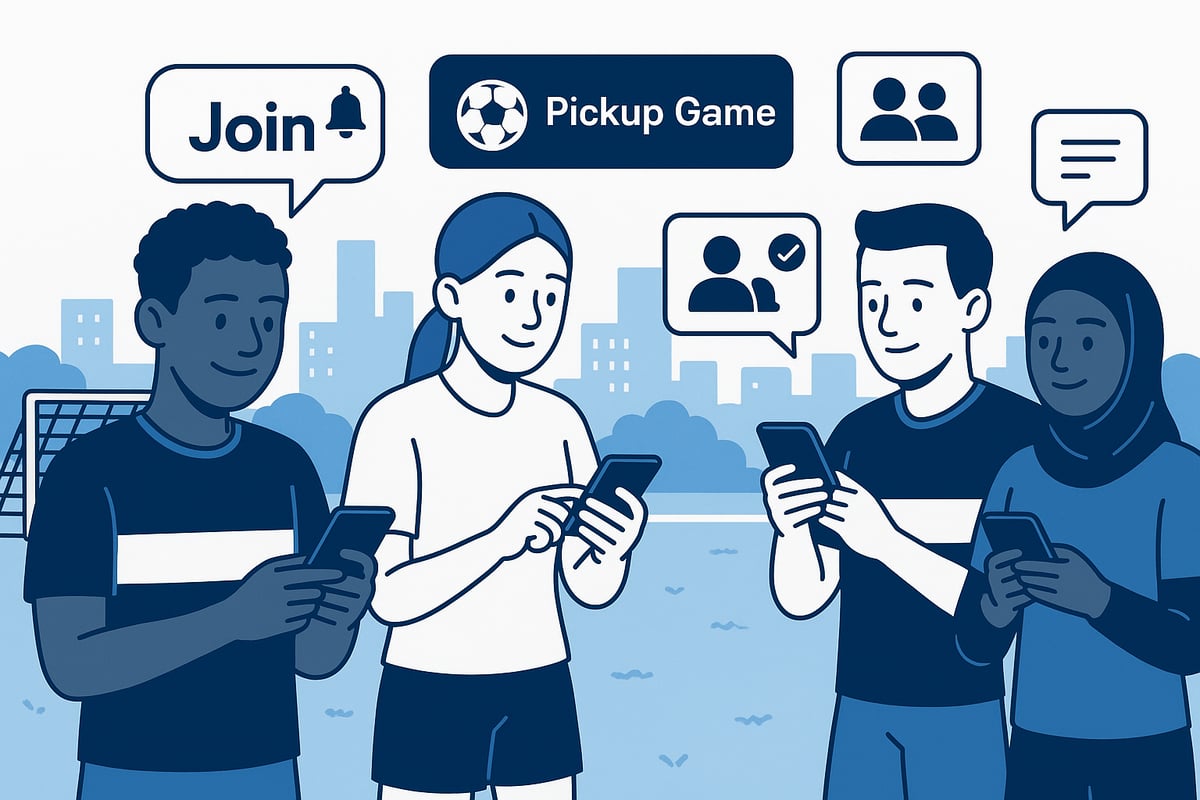
A great pickup app puts players first. It lets you set alerts for your favorite days, times, and fields, so you never miss out. You can filter games by skill level, join teams that match your vibe, and use in-app chat to connect with new friends or old teammates.
Key features include:
Game alerts: Get notified about upcoming matches based on your preferences.
Skill matching: Join games with players at your level for better competition.
Flexible scheduling: Play whenever you’re free, not just when leagues allow.
Ratings and reviews: Check feedback on hosts and players before you join.
For example, one player in New York used a pickup app to double their weekly game count just by turning on notifications. If you want to see how pickup soccer can boost your skills and build your network, check out the benefits of pickup soccer.
With the right pickup app, you’ll spend less time searching and more time playing.
Tools for Organizers and Hosts
Organizing a match can be tough without the right tools. The best pickup app makes it simple to set up new games, manage teams, and keep things fair. Organizers can create matches in seconds, set rules, and invite the perfect number of players.
Must-have organizer features:
Game creation: Quickly set up matches, pick fields, and define rules.
Team balancing: Use auto or manual tools to keep games competitive.
Payment integration: Collect fees or split costs without chasing cash.
Attendance tracking: Know who’s coming and avoid last-minute bailouts.
For example, an organizer in Miami used payment features in their pickup app to make sure everyone paid before game day. This kept matches full and drama-free. The right pickup app helps you focus on the game, not the logistics.
Safety, Privacy, and App Performance
Safety and privacy matter, especially when you’re meeting new people. The best pickup app keeps your info secure and only shares your location when needed for the game. Look for apps with verified user profiles to cut down on fake accounts and scams.
Key safety and performance features:
Location sharing: Only active during games, never public.
User verification: Confirmed emails or phone numbers for trust.
Device compatibility: Works on both iOS and Android, plus web access.
Battery and data privacy: Low battery drain, clear info on what data is collected.
For example, some apps use guest lists and check-ins to keep uninvited players off the field. With the right pickup app, you get peace of mind along with better games.
Step-by-Step: Getting Started with a Pickup App
Ready to get off the bench and into more games? Here’s your play-by-play to master any pickup app. Whether you’re new to city soccer or just want to level up, this guide walks you through every move. Let’s kick off.
Download and Install: What You Need to Know
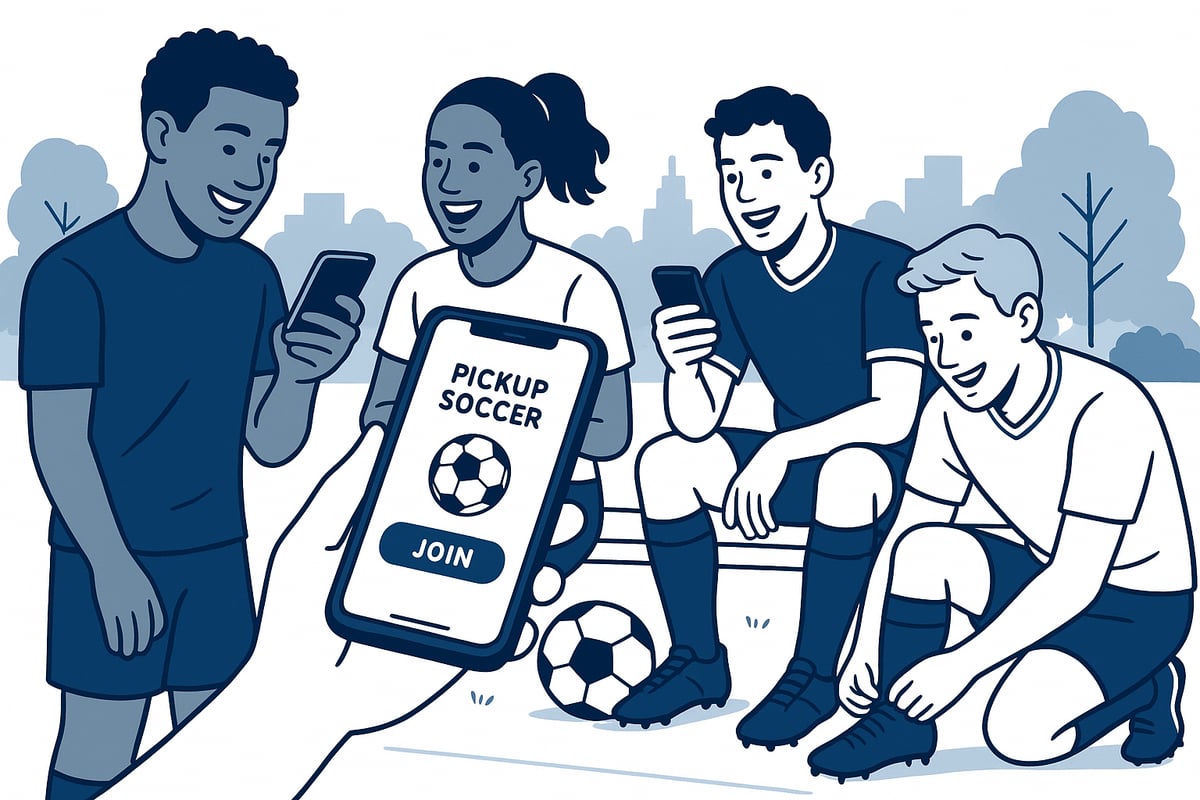
First, pick the right pickup app for your city and sport. Search the App Store or Google Play using “pickup app” plus your city or “soccer.” Scan the reviews and screenshots to match your style.
Check your device:
iOS 13.0 or later for Apple users
Android 8.0 or newer
At least 100 MB of free space
Pro tip: Delete unused apps to make room and keep your phone snappy for game notifications.
Example: Mia downloaded her pickup app before heading to work. She checked reviews for her city and chose one with the most active games near her home field.
Creating Your Account and Profile
Sign up in minutes. Most pickup apps let you register with email, phone, or a quick social login.
Fill in your soccer profile:
Skill level (beginner to advanced)
Favorite positions (striker, keeper, etc.)
Home turf or preferred locations
Set your privacy settings. Decide if you want your full name or just a nickname visible. Control who can message you or see your game history.
Example: Jake set his profile to “defender, intermediate, loves Sunday mornings.” Hosts started inviting him to games that matched his vibe. A complete profile makes your pickup app experience smoother.
Joining Your First Game
Browse available matches using filters for time, location, and skill level. Tap a game to see details—field, number of spots left, and host info. RSVP to lock in your place.
Chat with the host or teammates to confirm details. Show up early and bring your energy.
For city-specific tips, check guides like How to find pickup soccer in LA to see how local players use their pickup app to score more games.
Example: Sara filtered games for “evenings, advanced, within 5 miles.” She found a Friday night match, chatted with the host, and made new friends on her first run.
Organizing a Game: Host Like a Pro
Tap “Create Game” in your pickup app. Set the time, field, number of players, and any special rules (like cleats or no slide tackles). Decide if it’s open to all or invite-only.
Send invites to friends, or keep it public for new faces. Track RSVPs in real time. If someone drops out, message your waitlist or adjust teams.
Example: Lucas wanted a weekly 7v7. He used his pickup app’s invite feature, filled all spots, and set up a group chat. Keeping the flow organized means less stress and more play.
Payments, Subscriptions, and In-App Purchases
Most pickup apps are free to start, but some charge for premium features or take a small fee for organizing. Always read the payment terms before you sign up.
Tips for handling payments:
Use in-app payments for security
Check for hidden subscription fees
Split field costs evenly through the app
Watch for complaints about surprise charges. Apps like Pickup Driver have had user reports about hidden subscriptions, so double-check before you commit.
Example: Priya avoided surprise costs by reading the payment FAQ in her pickup app. She split the field fee with her squad, no cash needed, and kept her budget on track.
Maximizing Your Pickup App Experience
Ready to get the most out of your pickup app? Whether you play every week or just drop in, a few smart moves can help you stand out, get picked, and enjoy better games. Let’s break down what works for players, organizers, and those who want to solve common problems fast.

Tips for Players: Stand Out and Get Picked
Want more invites and better games? Start with your pickup app profile. Add a clear photo, list your favorite positions, and show off your skills. The more info you share, the easier it is for organizers to match you with the right crew.
Set up alerts for your favorite times and locations. Jump on popular games fast, since spots fill up quickly. Use the in-app chat to confirm your attendance and connect with new teammates.
Follow these quick tips to build your rep:
Arrive on time, every time.
Leave positive reviews for great hosts and players.
Play fair and respect the vibe on the field.
One player shared that after updating his pickup app profile and being active in group chats, he started getting double the invites each week. Little changes can make a big difference.
Tips for Organizers: Run Better Games
Organizing a game? Your pickup app is your best friend for keeping things smooth. Set clear rules up front, like game length, team size, and skill level. This avoids confusion and keeps everyone on the same page.
Keep your games full by using waitlists and sending reminders. If someone drops out, have backup players ready. Handle payments securely in the app, and manage disputes quickly to keep the peace.
Collect feedback after each game. Ratings and comments can help you spot issues and improve. For more detailed advice on assembling teams and managing lineups, check out these tips for organizing pickup soccer.
A top organizer in NYC uses his pickup app to run three weekly games without drama. He credits clear rules, fast communication, and being fair with team assignments.
Troubleshooting Common Issues
Sometimes things go sideways. If your pickup app crashes or bugs out, report the issue through the app’s help section or email support. Developers usually fix problems quickly, especially for active communities.
Can’t find any games? Try expanding your search radius or adjusting your skill filters. Be flexible with times and locations to discover new groups.
No-shows or late cancellations? Stay active in group chats and have a list of backup players. Many hosts turn cancelled matches into scrimmages or small-sided games, making the best of any situation.
Every player and organizer faces hiccups. The key is using your pickup app to stay connected, adapt fast, and keep the soccer going.
Comparing Top Pickup Apps for 2025
Choosing the right pickup app can make or break your soccer experience. Let’s break down the top players, what sets them apart, and how to pick the best one for your style and city.
Key Players in the Market
The pickup app scene exploded in 2024 and is only getting hotter in 2025. We’re seeing apps like Pickup Driver, Bungii Driver, Dolly Helpers, and GoShare battling for your attention. Each pickup app has its own flavor, features, and community size.
Check out how they stack up:
App Name | Alerts | Team Matching | In-App Payments | User Ratings | Community Size |
|---|---|---|---|---|---|
Pickup Driver | Yes | Yes | Yes | 4.5/5 | Large |
Bungii Driver | Yes | No | Yes | 4.2/5 | Medium |
Dolly Helpers | No | Yes | Yes | 4.1/5 | Small |
GoShare | Yes | No | Yes | 4.0/5 | Medium |
Most top apps let you set game alerts, join based on skill, and pay or split field fees right from your phone. Pickup Driver, for example, is known for weekly payouts and a huge user base. Bungii Driver and Dolly Helpers focus more on simple match joining and quick setups.
The surge in the pickup app market is real. According to Sport App Market Size to Hit USD 13.22 Billion by 2034, more players are jumping onto these apps every year. That means more games, more teammates, and more competition for the best spots.
User reviews drive a lot of changes. Players highlight what works, like smooth alerts or fast payment processing, and call out issues like surprise subscription fees or bugs. The best pickup app teams actually listen, making updates that keep the vibe strong.
What to Look for When Choosing Your App
Not every pickup app is a fit for every player or organizer. Start by thinking about what you need:
Are you mostly a player or do you host games?
Do you want lots of games nearby or a tight-knit community?
Is easy payment and scheduling your top priority?
How active is the app in your city?
Check user reviews for complaints about hidden fees or slow payouts. Apps like Pickup Driver sometimes get called out for unclear subscription rules, so read the fine print before you commit. If you’re a host, look for strong team management and attendance tools.
For real-world proof, see how starting pickup soccer in Miami works. Some apps thrive in certain cities, offering more games and better connections. Local coverage is huge, so try a few options and see which pickup app fills up your calendar.
One last tip: watch for updates and support. A pickup app that rolls out new features or fixes bugs quickly is always a safer bet. Trust your gut, check the vibe, and get ready to play more.
Advanced Strategies for Pickup App Power Users
Ready to level up your pickup app game? If you want to go from casual player to local legend, you need more than just the basics. This section is your secret playbook. Use these advanced tactics to build your network, earn extra cash, keep it safe, and stay ahead of the curve.
Building a Local Soccer Network
A strong soccer network means more games, better teammates, and a real community vibe. Use your pickup app’s group chat and invite features to start recurring games. Create a weekly or bi-weekly match and invite regulars. This keeps your games full and your crew connected.
Want to grow your network faster? Try these moves:
Join existing group chats in your pickup app.
Use the app’s recommendations to find players nearby.
Organize tournaments or special events to bring new faces together.
For example, hosting a monthly “open skill night” through your pickup app can attract new talent and make your matches more competitive. The more you use these features, the more your network grows. Before you know it, you’ll be the go-to organizer everyone wants to play with.
Monetizing Your Pickup Game Skills
Why not turn your pickup app hustle into some extra income? Many apps let you host premium games or offer coaching sessions for a fee. If you’ve got solid organizing skills or deep soccer knowledge, you can charge for running high-quality matches.
Here’s how players are cashing in:
Hosting paid games with guaranteed field time and balanced teams.
Partnering with local soccer centers for exclusive access or discounts.
Offering coaching or skills clinics through the app’s event tools.
Some organizers even earn weekly payouts by keeping games consistent and drama-free. Always check your pickup app’s payment policies, so you know exactly when and how you’ll get paid. If your games are known for great vibes and fair play, word will spread, and your sessions will fill up fast.
Staying Safe and Smart on the Field
Safety is key, especially when meeting new players through a pickup app. Always vet new invites by checking reviews or ratings. If your app has a verification badge system, prioritize playing with verified users.
Quick safety checklist:
Use in-app messaging, not personal numbers, for first contact.
Share your location only with trusted teammates or within the app.
Report any sketchy behavior using the built-in tools.
Keep your phone charged by lowering screen brightness and closing other apps before game day. One user tip: bring a portable charger if you’re organizing multiple matches. When everyone follows the rules, the pickup app community stays fun and safe for all.
Future Trends: What’s Next for Pickup Apps
Pickup app technology is moving fast. Expect smarter match suggestions as AI learns your play style and favorite spots. Wearables are starting to sync with pickup apps, tracking your stats and helping you find ideal games.
Look out for these trends in 2025 and beyond:
AI-powered teammate matching and skill analysis.
Integration with smart gear like fitness trackers.
Expansion into new sports and activities.
More transparent payment and privacy controls.
For a deeper dive into where sports technology is heading, check out 2025 Sports Trends: Redefining Training & Competitive Advantage. Staying on top of these trends means you’ll always have the edge—both on the field and in your pickup app strategy.
So you’ve read the guide, picked up some pro tips, and you’re itching to get back on the pitch—why wait? With Poteau, you don’t need to sit around hoping someone texts you about a game. You can set up custom alerts, get notified when a match lines up with your schedule, and even bring your whole crew along. No more missing out or scrambling last minute. If you’re ready to play smarter and meet more players in your city, it’s time to get invites based on your free time. Let’s kick off your next game!